LogicTreeETC



Flexible, publication-ready logic trees, arrow connectors, and annotated diagrams - all in Python.
Overview
LogicTreeETC is a Python package built on matplotlib for creating structured visual diagrams using logic boxes, stylized multi-segment arrows, and feature-detected anchors from underlying images via OpenCV. It enables clean, programmatic layouts for flowcharts, decision trees, image annotations, and more.
The package includes:
LogicTree: A canvas manager for diagram elements and titlesArrowETC: A highly customizable arrow-drawing engine with explicit path controlVectorDetector: A utility for detecting and labeling image vertices using OpenCV
Together, these tools help you build annotated, reusable diagrams for scientific or analytical workflows.
Installation
Install from PyPI:
pip install logictreeetc
Upgrade to the latest version:
pip install --upgrade logictreeetc
Then import the tools:
from logictree import ArrowETC, LogicTree, VectorDetector
Why Use LogicTreeETC?
Matplotlib’s default arrows are inflexible and opaque. LogicTreeETC is designed for users who need:
Explicit vertex control of arrows
Clean logic box layouts with flexible styling
Integration with images for analytical or anatomical diagrams
Full access to metadata (segment angles, vertices, offsets) for debugging or alignment
Highlights
Precise geometry control
Define the explicit path of your arrow in data coordinates, whether straight, segmented, or curved. Access arrow metadata (e.g., the coordinates of every vertex, the angles each line segment makes with the positive x-axis, etc) without having to manually convert between pixel and data spaces like when using matplotlib’sFancyArrowandFancyArrowPatch.Seamless box-arrow integration
Attach arrows to any edge or corner of aLogicBoxusingsideA,sideB, and pixel offsets.Bezier curves and elbow routing
Use preset or custom Bezier styles for natural curves, or route segmented arrows around obstacles and between misaligned elements.Built-in image feature detection
UseVectorDetectorto automatically locate keypoints in diagrams and images, then label and link them programmatically.Pixel-perfect arrow widths
All arrow geometry is computed in pixel space, ensuring consistent widths regardless of axis scale or skew.LaTeX + publication-ready styles
Full support for LaTeX typesetting, true-to-theme dark mode, and high-DPI figure export without extra configuration.Modular and extensible
Each component (logic tree, arrows, feature detection) is usable independently or together - no lock-in or boilerplate.
Coordinate Scaling Notice
The ArrowETC class requires the final aspect ratio of your matplotlib.axes.Axes object to compute arrow geometry correctly. Always call set_xlim() and set_ylim() before drawing arrows. Otherwise, the rendered arrows may appear skewed.
Examples
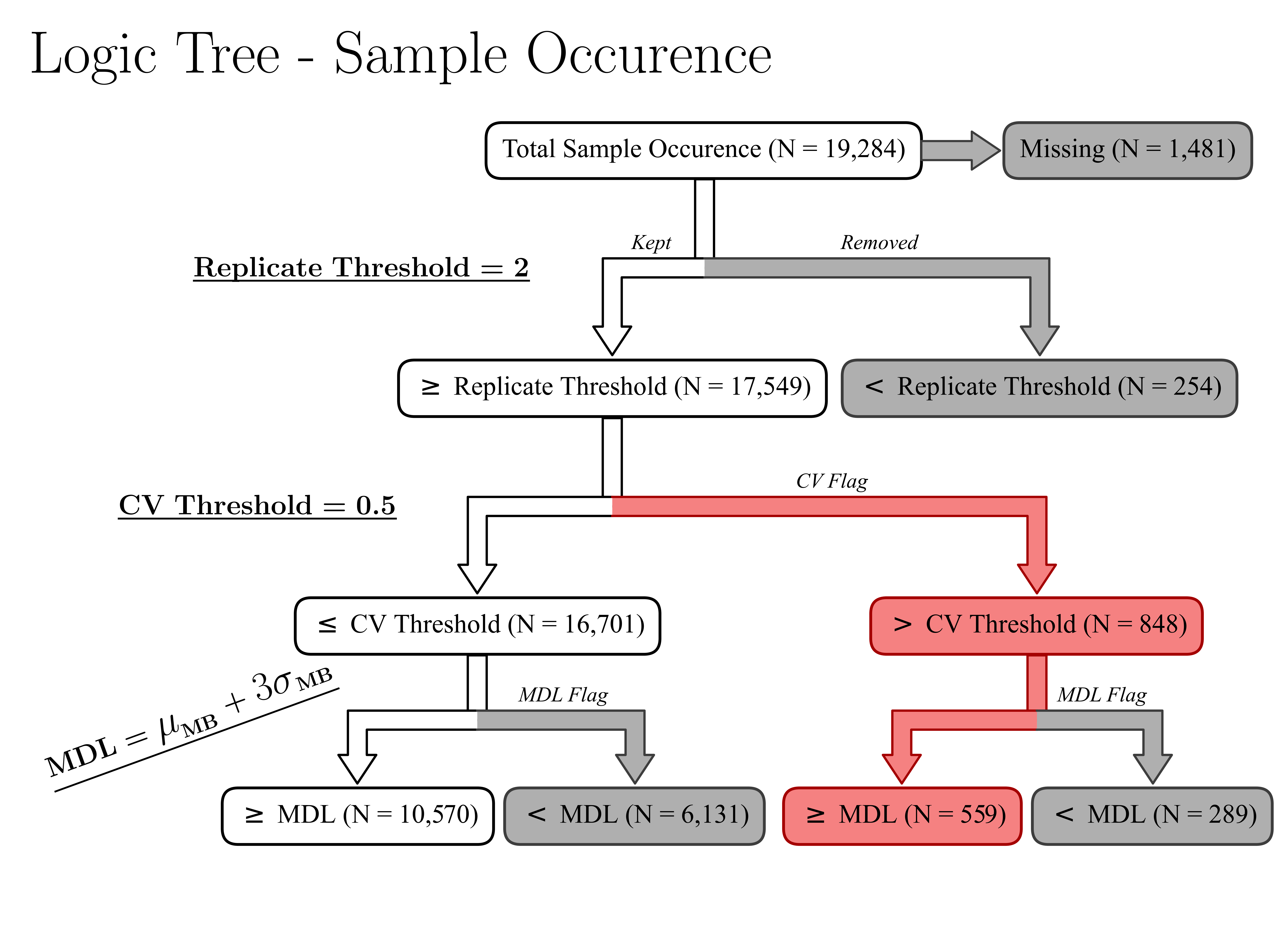
Decision Tree for Analytical Filtering
A logic tree representing filtering steps in a dummy non-targeted analysis dataset.
Code: examples/decision_tree-NTA-Example.py
Features:
Custom box styling and LaTeX text
Straight and bifurcating arrows with labeled branches
Optional text rotation
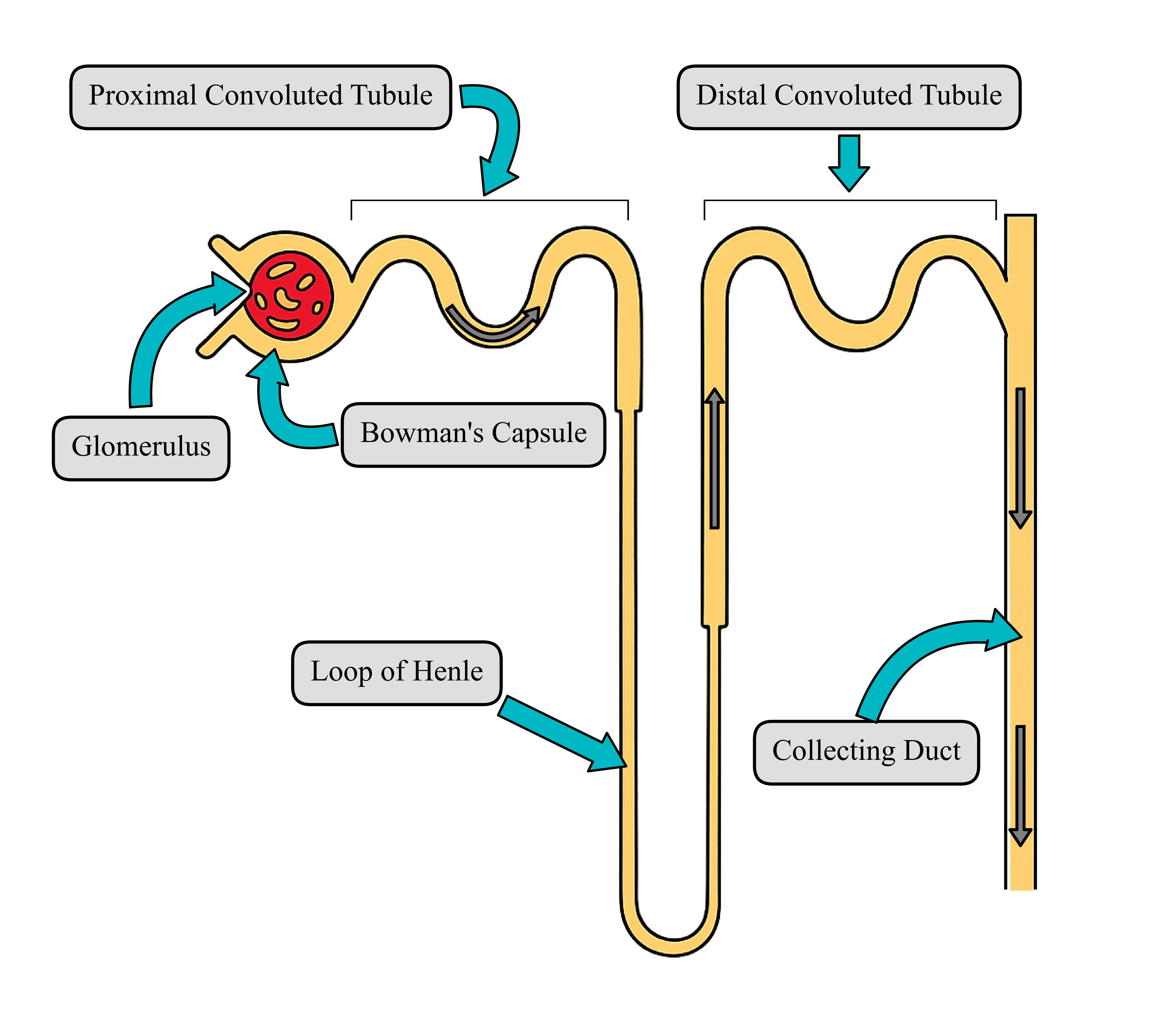
Annotated Nephron Diagram with Auto-Detected Features
This example combines a background image, automatic feature detection, and curved arrows.
Code: examples/anatomical_diagram-nephron-Example.py
Features:
Automatic vertex detection via
VectorDetector

User-labeled vertices for later access

Curved arrows with fine-tuned styling and proportional arrowheads
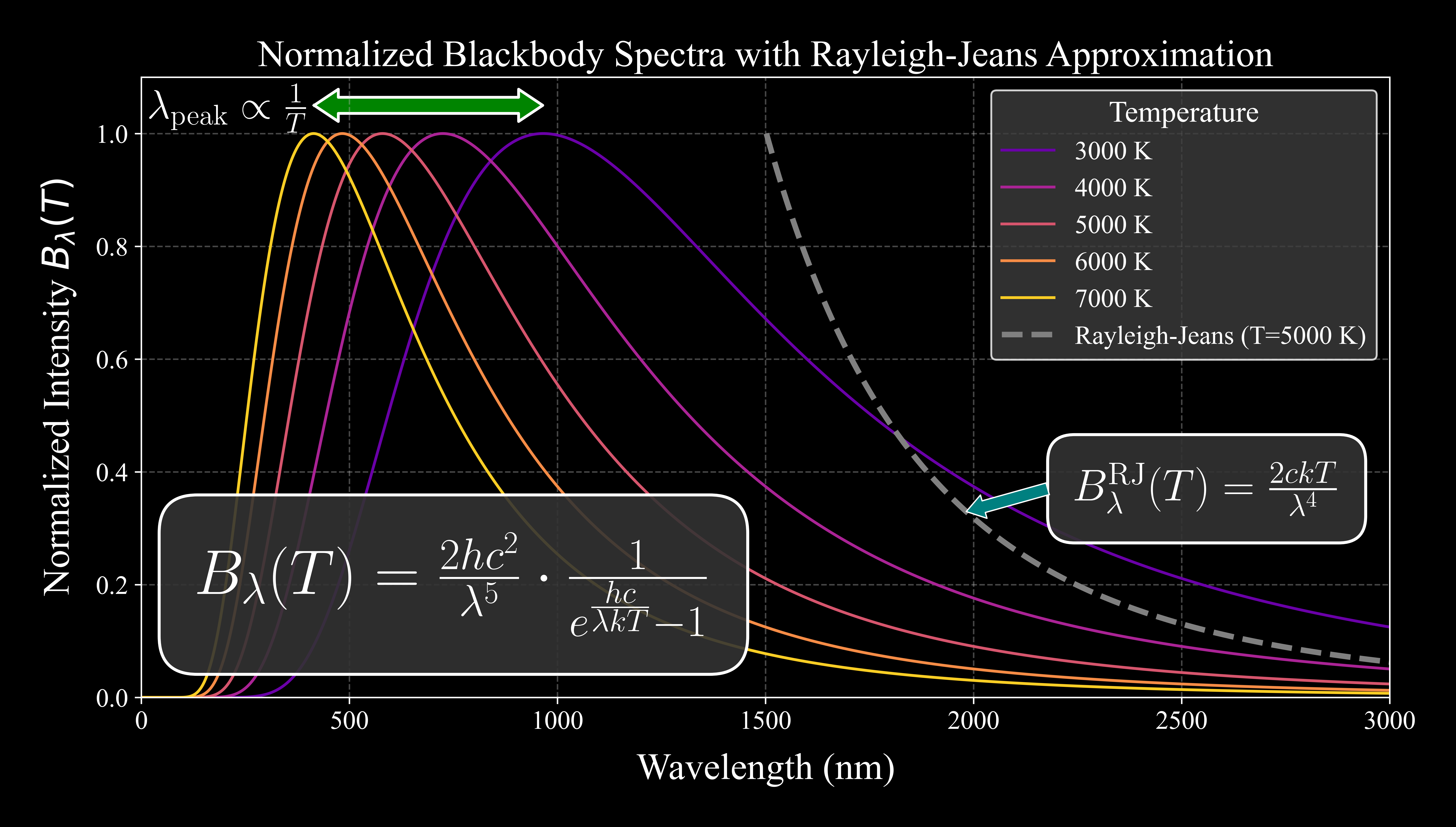
Normalized Blackbody Spectrum
Demonstrates the normalized blackbody spectrum at 5 temperatures, highlighting Wien’s law and the ultraviolet catastrophe.
Features:
Compatible with scientific plots
Arrow rendering is robust to skewed aspect ratios
Optional heads at both ends of arrows
Preset styles like
colormode="dark"save time
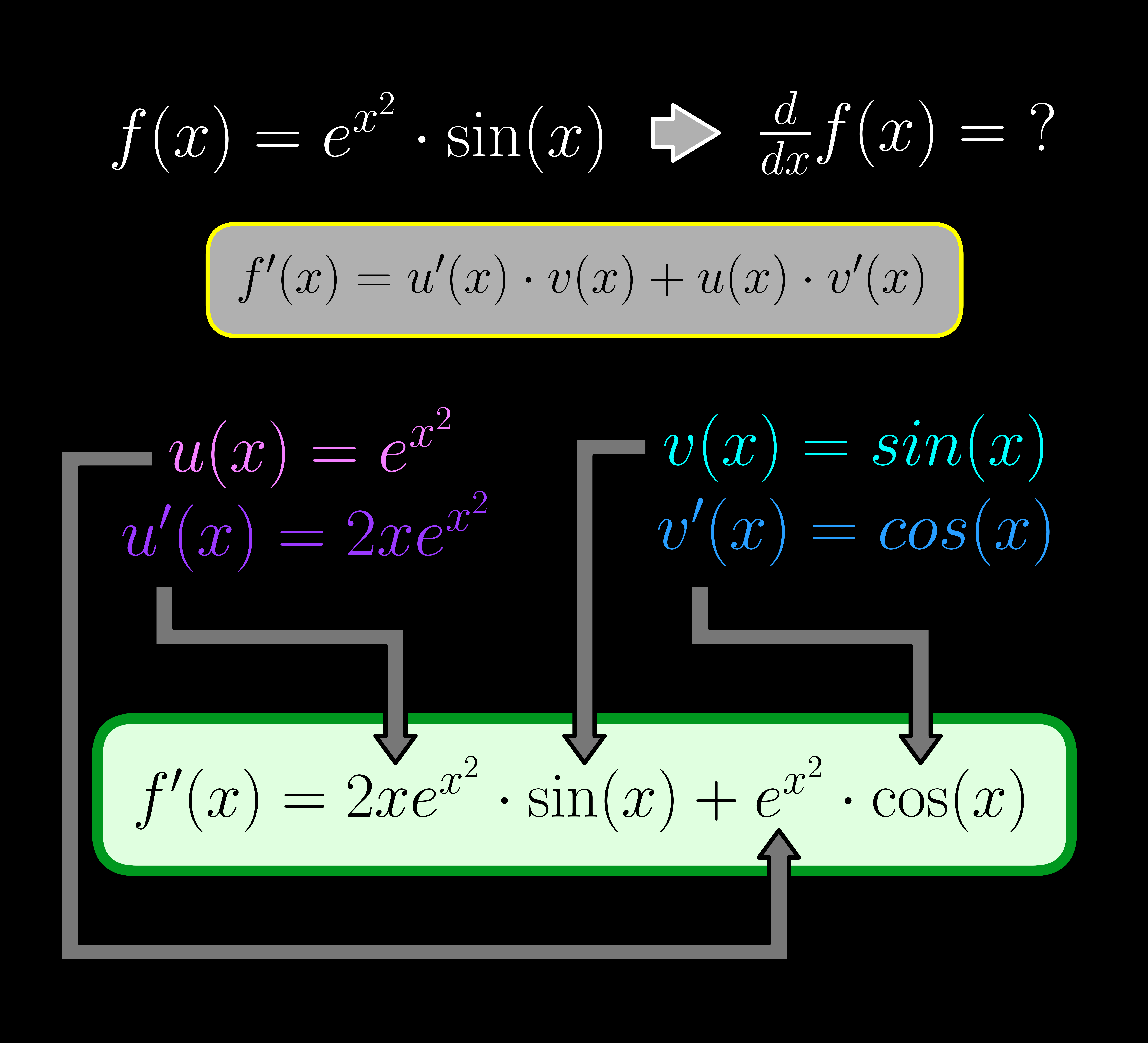
Pedagogy: Showing the Product Rule
Illustrates term-by-term application of the product rule in differentiation.
Code: examples/information_flow-calculus-Example.py
Features:
Explicit font color control
Multi-segment arrows with arbitrary angles
Custom Arrows with ArrowETC
See examples/example_arrows.py for all examples below.
Basic arrow with head
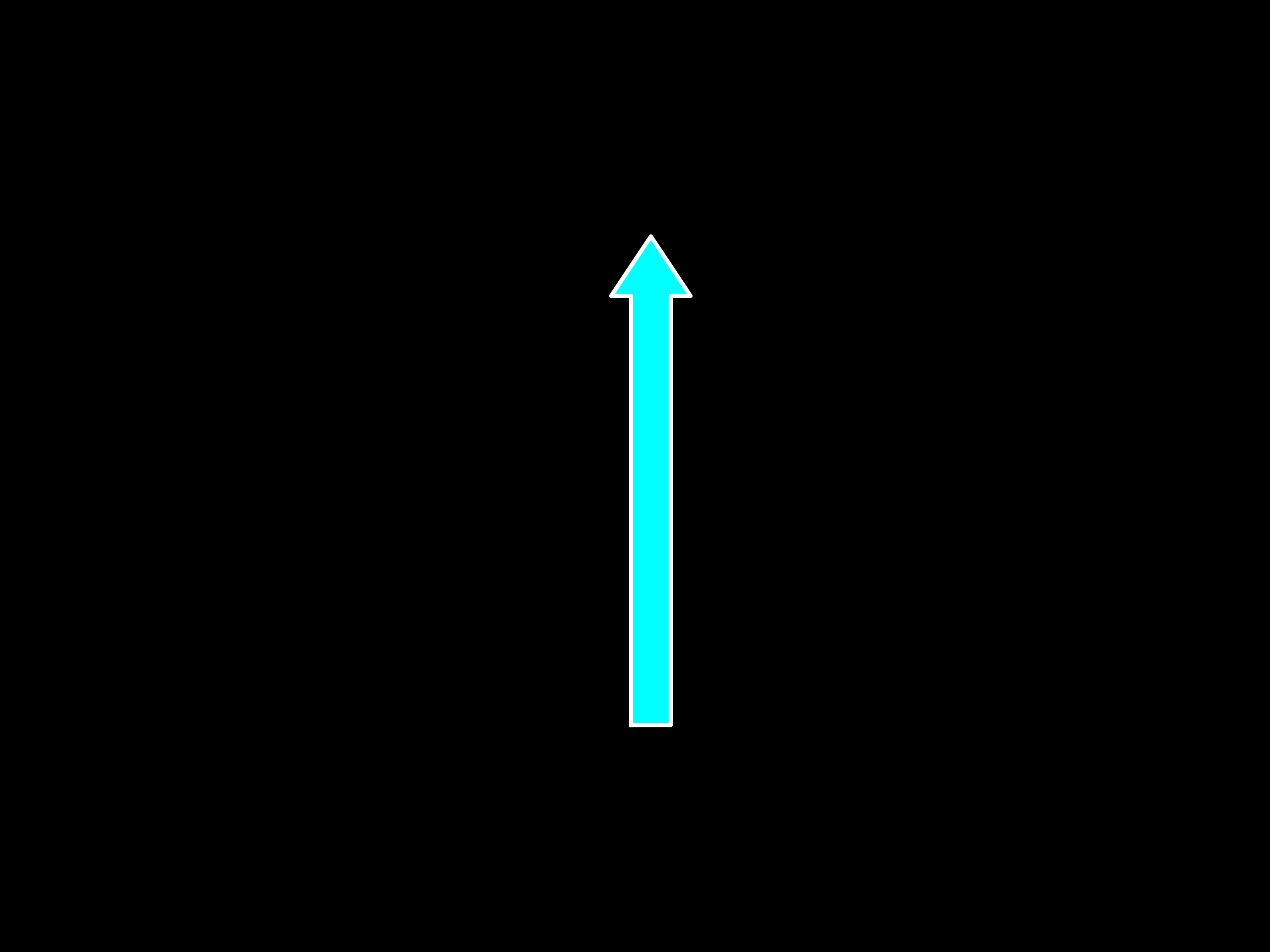
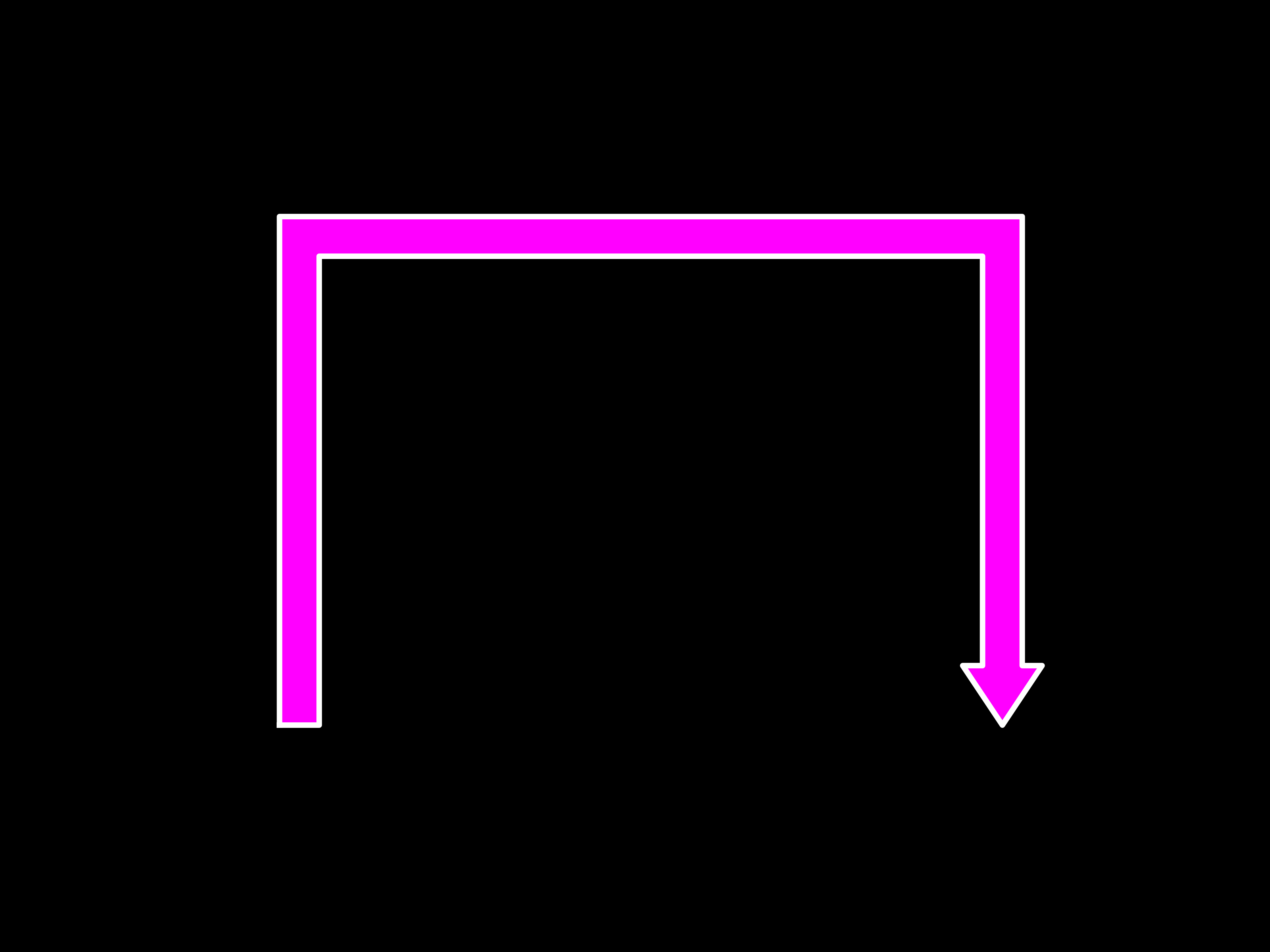
Multi-segment arrow with head
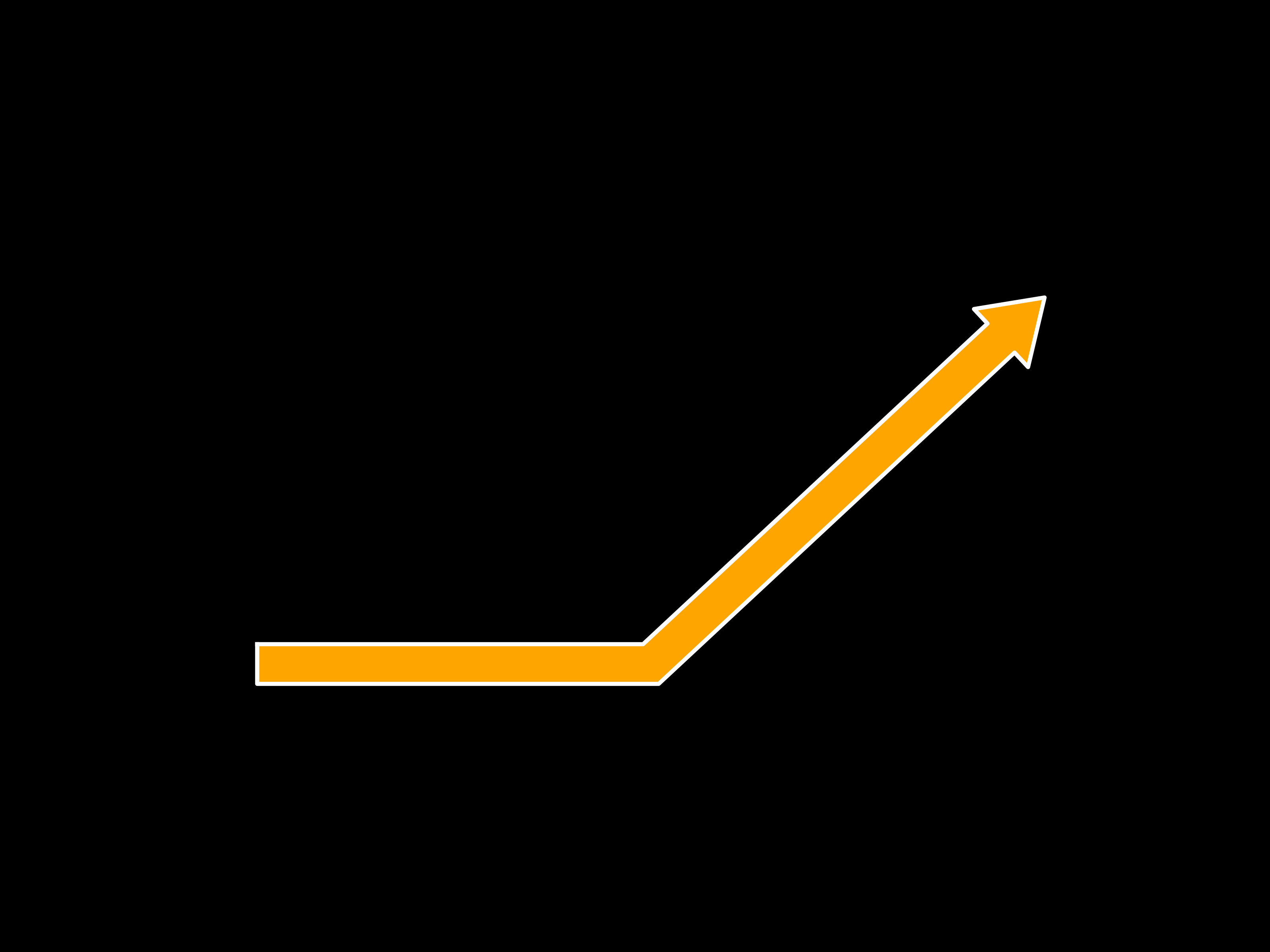
Obtuse angle arrow
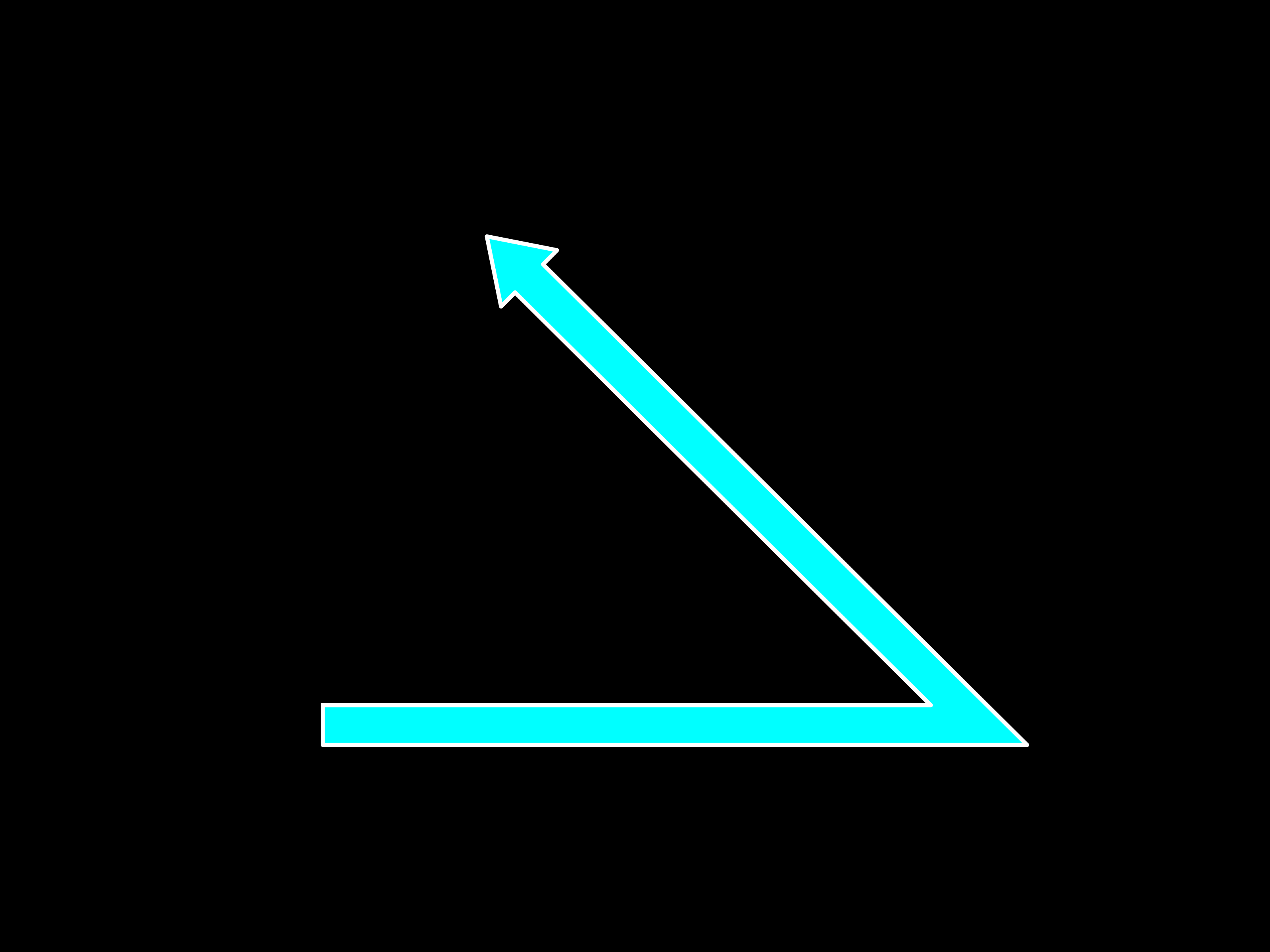
Acute angle arrow
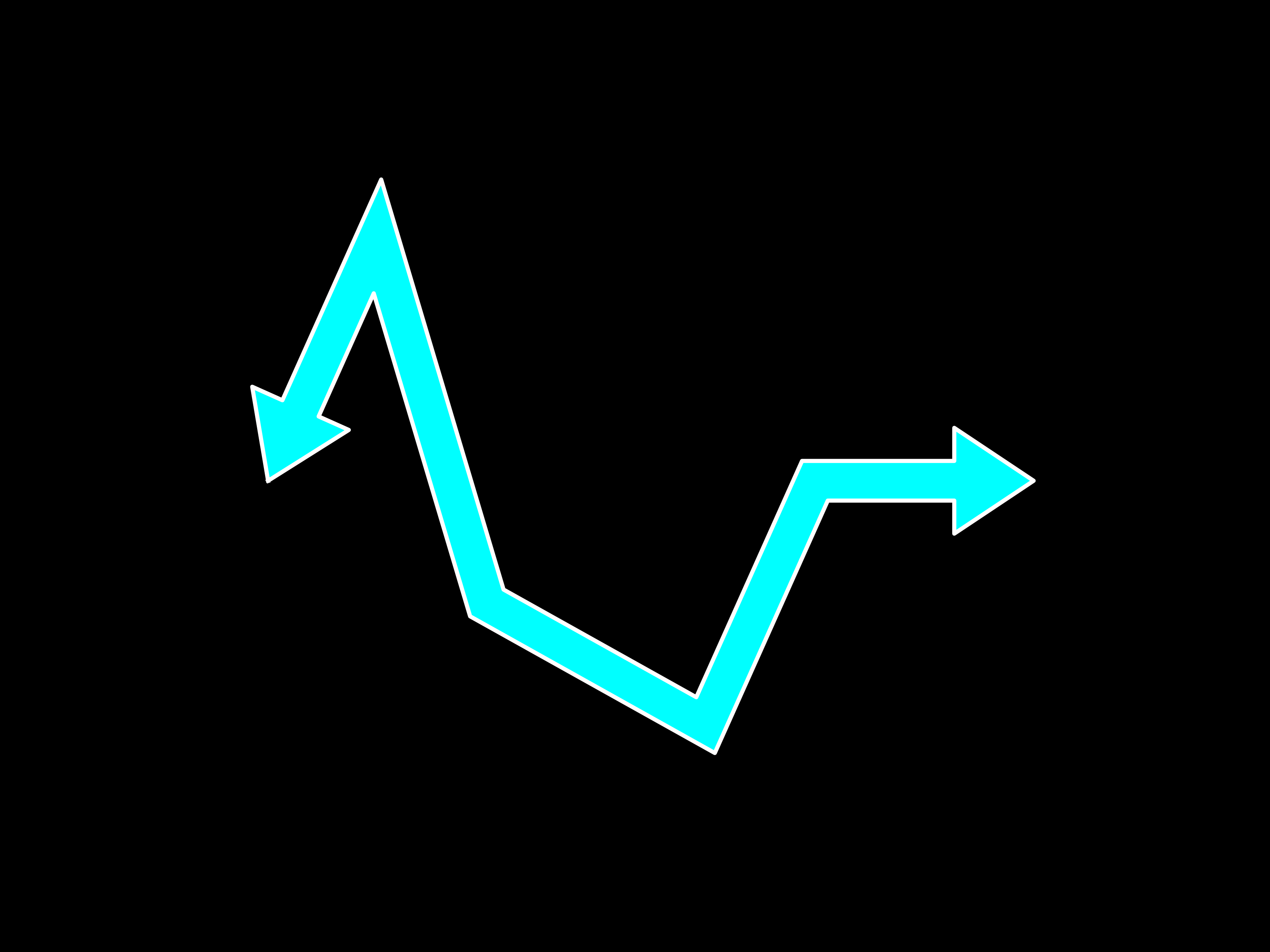
Complex multi-segmented arrow
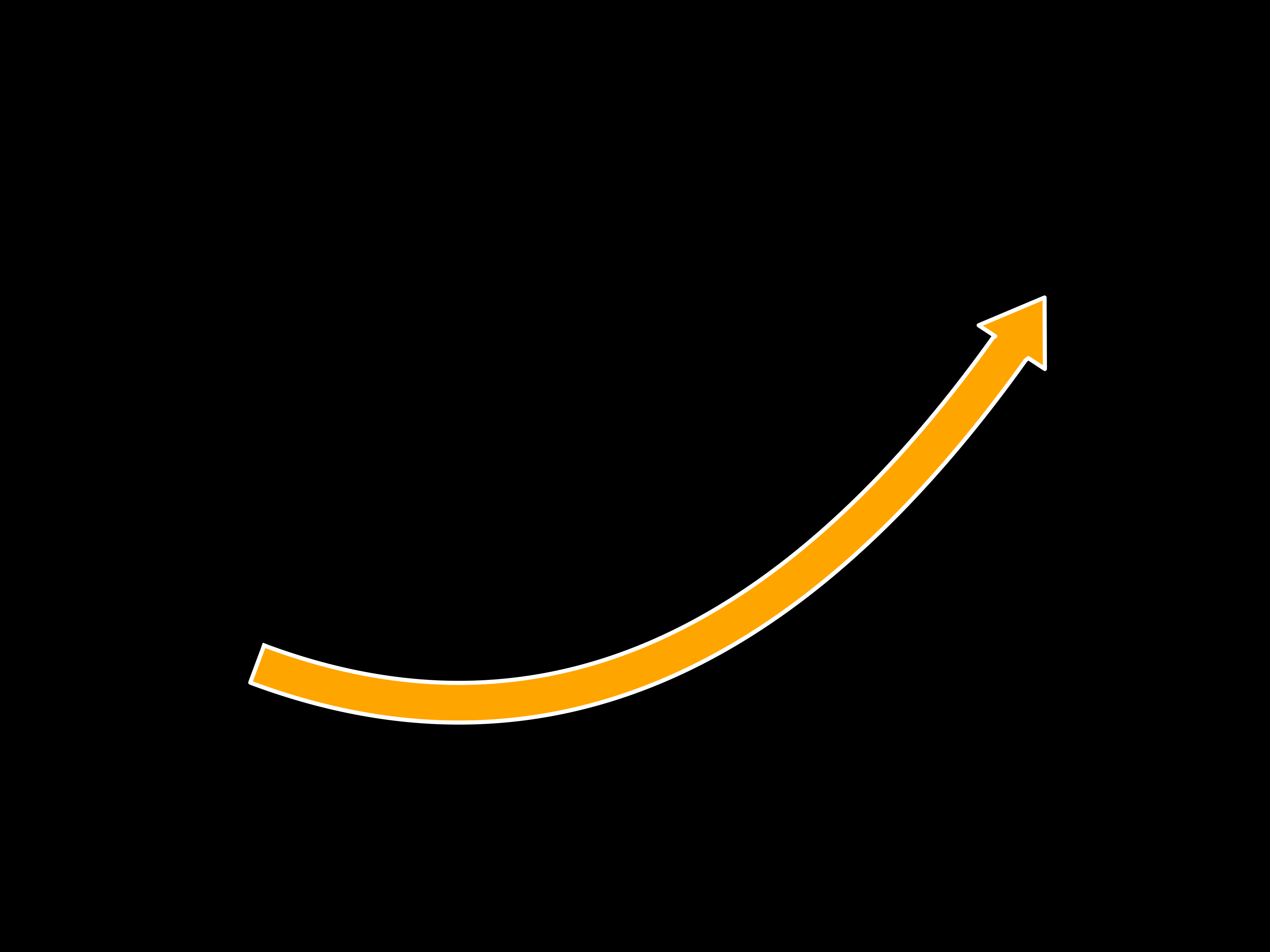
Basic Bezier arrow
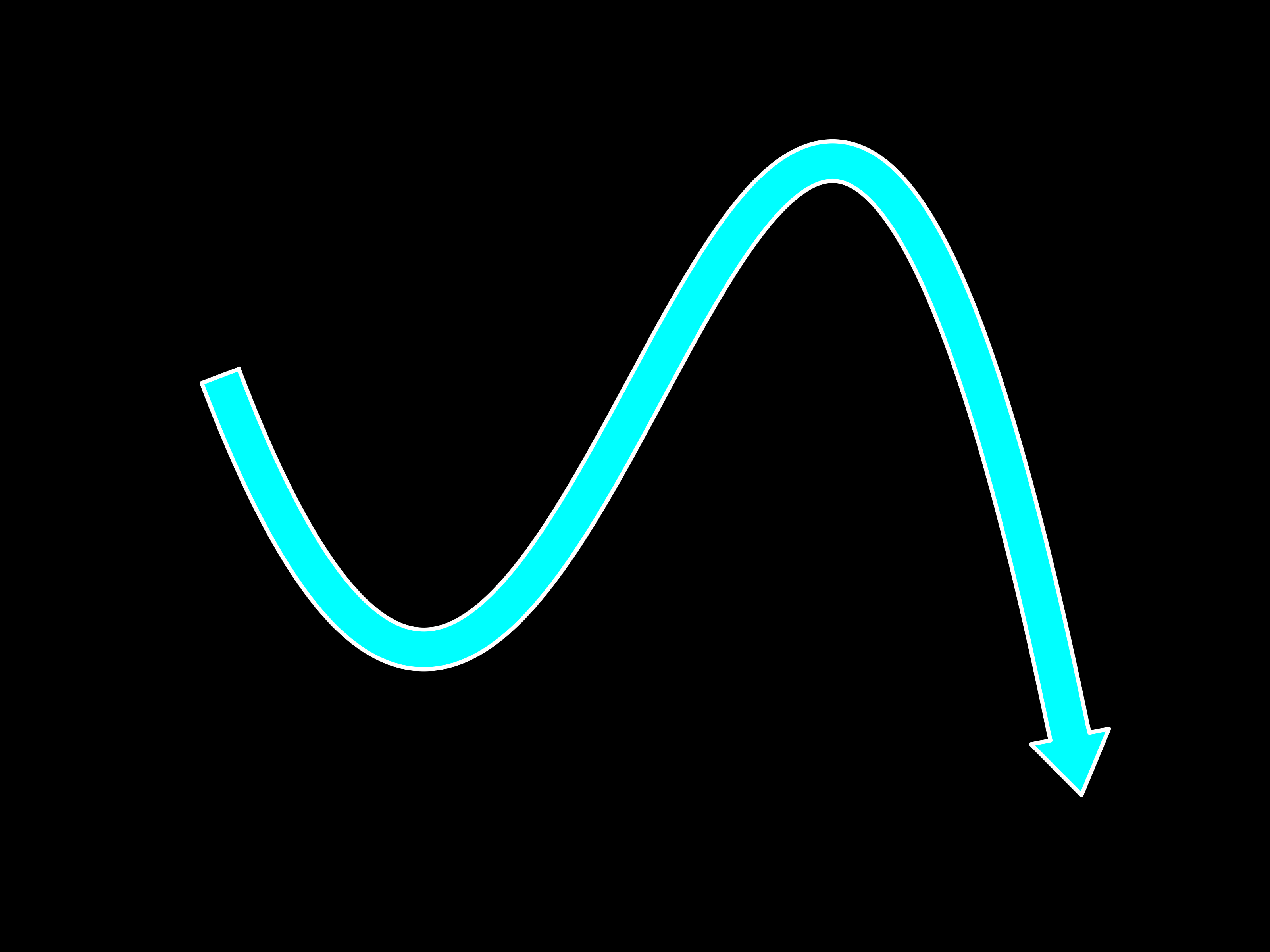
Complex Bezier arrow
Font Installation (Times New Roman)
If Times New Roman is missing from your system, install it manually:
# Linux
mkdir -p ~/.local/share/fonts
cp logictree/fonts/Times\ New\ Roman.ttf ~/.local/share/fonts/
fc-cache -fv
On Windows or macOS, open:
logictree/fonts/Times New Roman.ttf
Then click Install.
To verify installation:
fc-list | grep -i times
If matplotlib cannot find the font:
rm -rf ~/.cache/matplotlib
LaTeX Rendering (Optional)
Enable LaTeX rendering with use_tex_rendering=True when calling LogicTree.add_box().
Windows
Install MiKTeX
macOS
Install MacTeX
Linux
sudo apt install texlive-latex-base texlive-fonts-recommended texlive-fonts-extra texlive-latex-extra dvipng
License
This project is licensed under CC0 (public domain). See the LICENSE file for details.